
How to add and remove MX records in cPanel?
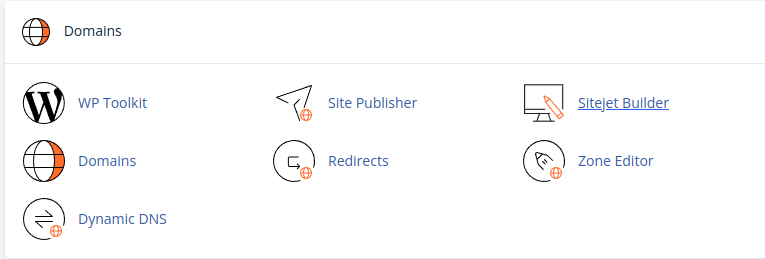
PrintYour MX records can be easily managed in the DNS Zone Editor located in the control panel. Open your cPanel and find Domains → Zone Editor:
To create an MX record, you just need to click on the + MX RECORD button:
Select Importance and Recipient value (recipient must be your domain name):
The Zone Editor section has the following buttons for already created MX records:
- Button for editing MX records
- Button to permanently delete your MX records
Note: Any change to a DNS entry triggers a delegation process that can take up to 24 hours.